Customize the Directory List Template
The
Directory List template controls what information is shown in the list
view of your members directory (as opposed to the directory profile for a
single member when you click on a member in the list).
Go to MembershipWorks > Customization > Directory List to edit this template.
By
default, the directory list shows a small logo or headshot, the account
name, tagline, and small icons indicating if the member has a deal
and/or recommendation.
Directory Style
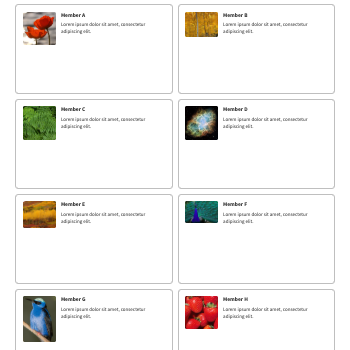
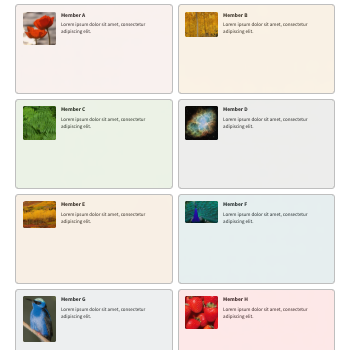
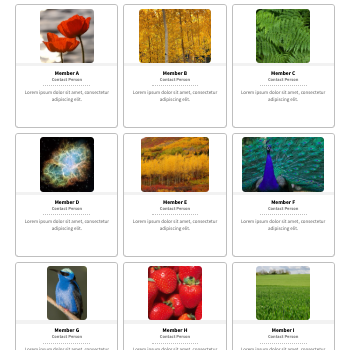
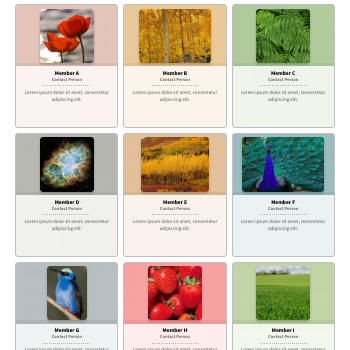
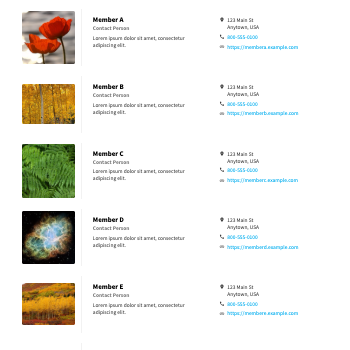
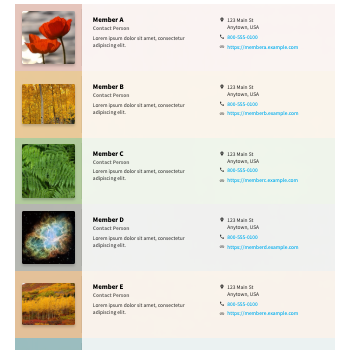
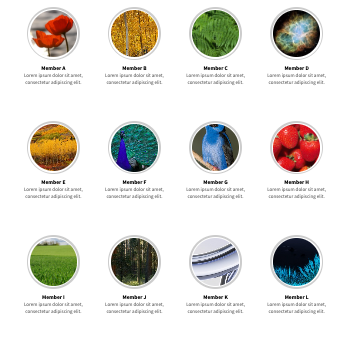
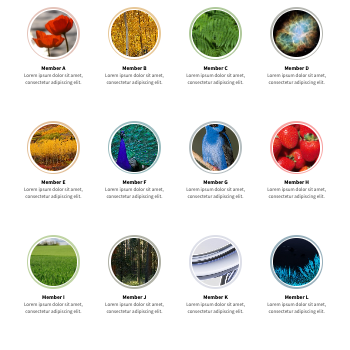
The available styles are depicted below. Note
that switching between styles or toggling the color option will reset
the HTML template. If you have customized your template to display
custom fields, you will need to update the new template accordingly.
|
Business Cards
|
Business Cards w/ Color
|
|
Vertical Cards
|
Vertical Cards w/ Color
|
|
Traditional List
|
Traditional List w/ Color
|
|
Circular Images
|
Circular Images w/ Color
|
Colorize
The
color option will automatically add a color shade according to the
primary color of the member's uploaded image. Note that the applied
color shade cannot be selectively customized or overridden.
HTML Template
You can use the following tags to embed information from the account, as well as conditional tags.
- [nam] - Account name
- [ctc] - Contact name
- [biz] - Organization name
- [pos] - Position
- [adr] - Address
- [web] - Website
- [phn] - Phone
- [cel] - Mobile
- [fax] - Fax
- [sky] - Skype
- [lgo] - Logo (image)
- [cnm] - Business card tagline
- [pfl] - Profile description
- [x__] - Custom field (text) - use the 2-letter identifier (in lower case) after the "x". For example for "LF", the shortcode would be [xlf].
When customizing the template, make sure there is sufficient space to display all the information, and that it is properly responsive across all screen sizes (desktop to mobile).
The following example displays the member's address and phone number instead of the tagline to the business card:

[lgo]<div class="SFcrdtxt"><div class="SFcrdnam">[nam]</div><div style="margin-top:10px">[adr]</div><div style="margin-top:10px">[phn?<i class="SFicophn_b" style="margin-right:10px"></i>][phn]</div></div><div class="SFcrdrec">[cpn?<i class="SFicotag_r" alt="Deal" style="margin-right:4px;"></i>][ir5?<i class="SFicorec_r" alt="Recommended" title="Recommended"></i>]</div>